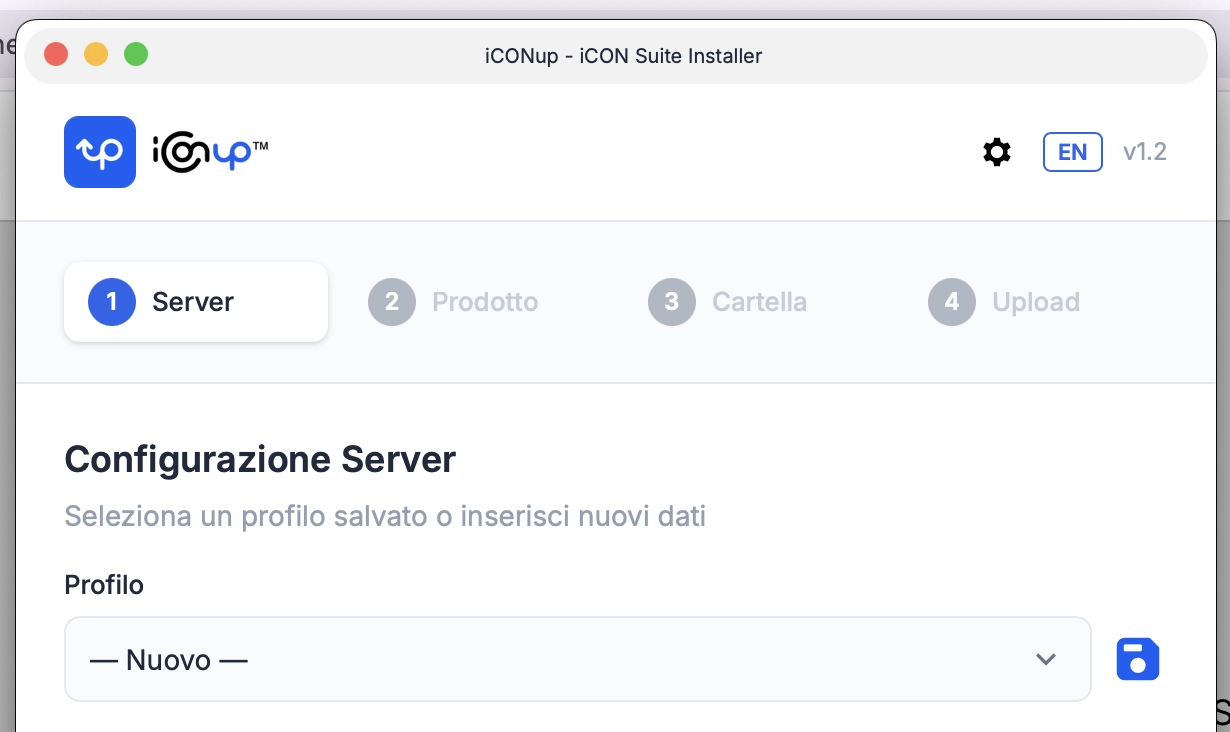
iCONup, our free desktop app for installing iCON Suite products, has been updated to version 1.2. And it’s an update that looks ahead.
The big news: iCONsite
A new name has appeared in the product list: iCONsite. It’s the new iCON Suite site builder, and it’s coming in the next few days. For now, we’ll tell you just this: it’s a full CMS that contains your entire website — think WordPress, but with no database, no subscriptions and no headaches.
That’s why iCONup installs it straight into the root of your web space: pick the product, select the folder, click “Start Upload”. That’s it. As always, if your hosting has a particular structure, the path can be customized. But that’s the whole point of the iCON Suite: by default, it just works — nothing to configure.
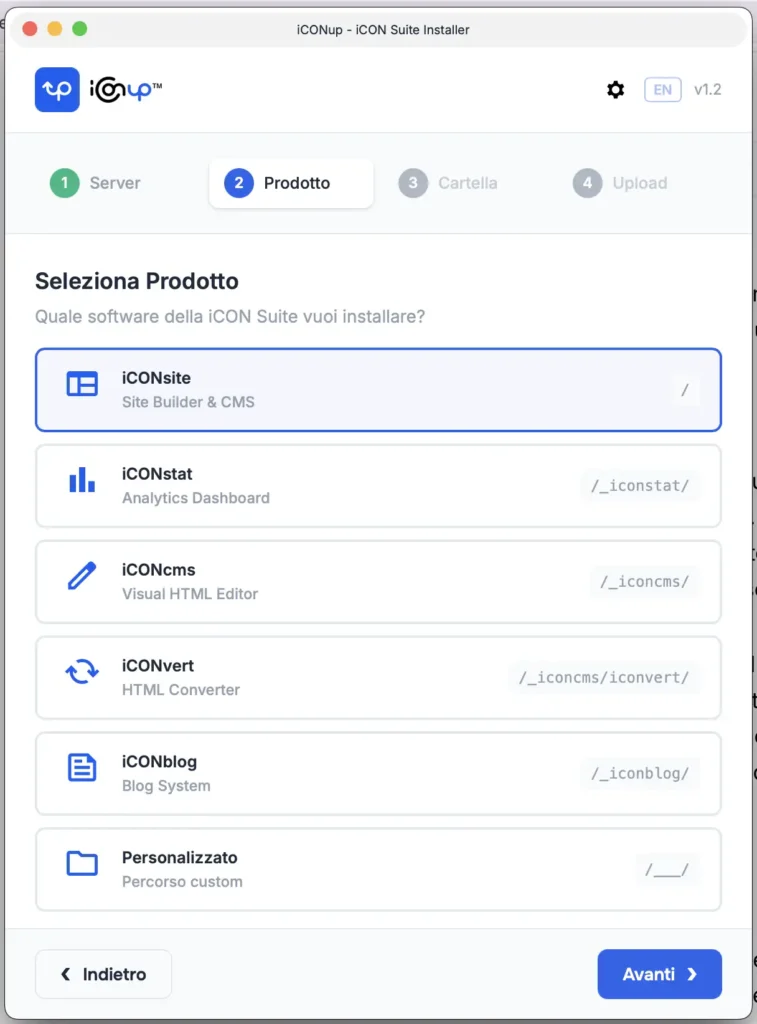
Reordered product list
With the newcomer on board, the list has a new order: iCONsite, iCONstat, iCONcms, iCONvert, iCONblog, plus the custom path for special needs.
System messages, now native
We rebuilt all of the app’s messages: alerts, confirmations and errors now use your operating system’s native dialog windows. On Mac you’ll see classic macOS-style alerts, on Windows the Windows ones. It sounds like a detail — and details are exactly why we did it: an app installed on your computer should speak your computer’s language.
Download
iCONup remains free, for personal and commercial use. Download version 1.2 from the dedicated page:
https://www.iconsuite.it/en/iconup
Your FTP credentials are stored only on your computer, encrypted. No data ever touches our servers — we wouldn’t even know where to put it, and we like it that way.
We’ll tell you more about iCONsite soon. Very soon.