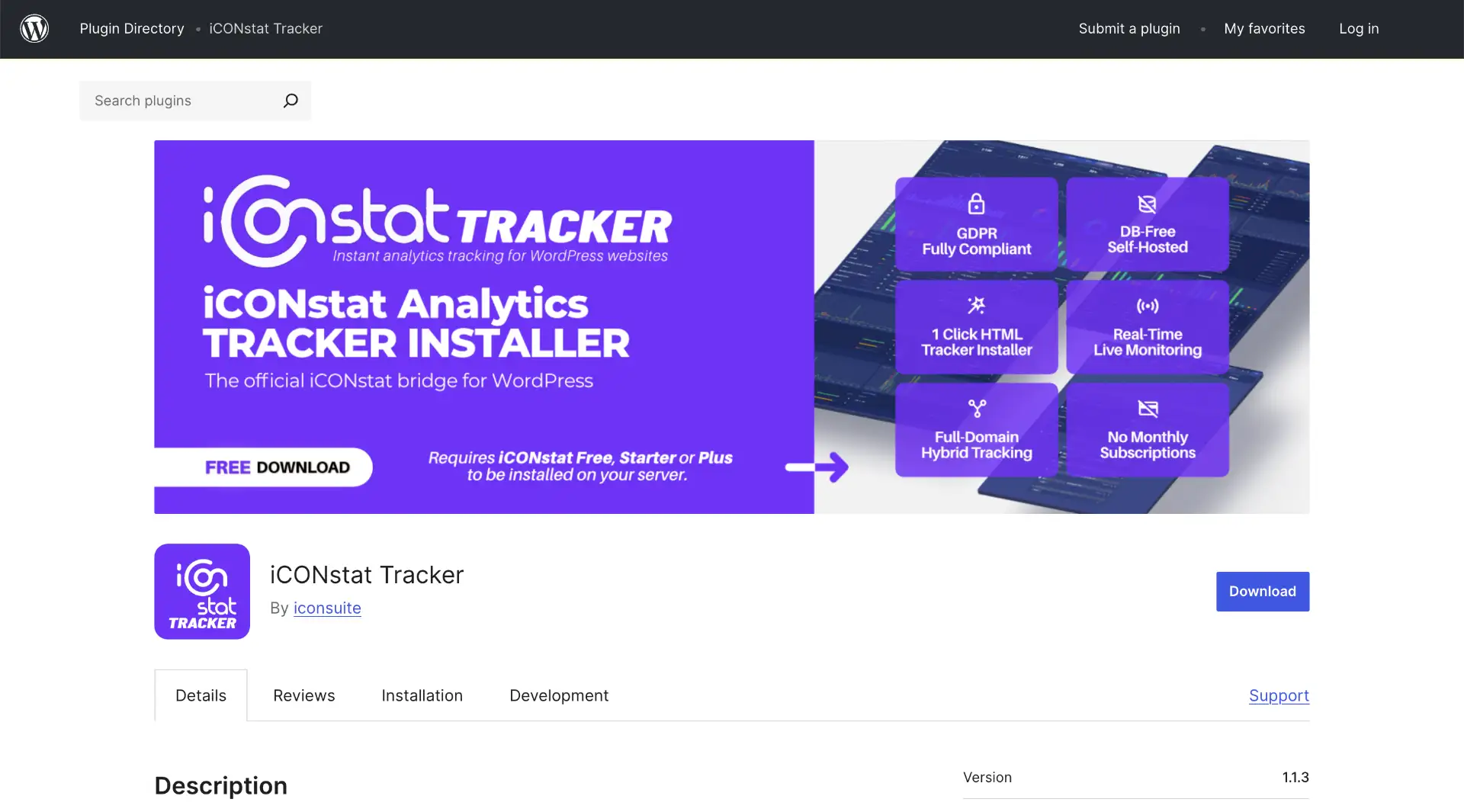
We are proud to announce that iCONstat Tracker, the official installer for our analytics suite, has passed the WordPress team review and is now available in the official plugin directory here: https://wordpress.org/plugins/iconstat-tracker/
Why is this important news for you?
Having our plugin on WordPress.org is not just a new milestone for the iCON Suite brand, but a guarantee of security and simplicity for all our users. Every line of code has been verified to meet the strictest standards of the WordPress ecosystem.
Simple and effective web analytics, zero impact on your site.
iCONstat Tracker was created with a key mission: to let you monitor visits and performance on your WordPress site without burdening the database and while 100% respecting your visitors’ privacy (GDPR compliant).
Key benefits:
- Privacy First: No intrusive cookies, no data shared with third parties.
- Ultra-lightweight: The tracker has zero impact on your site’s loading speed.
- Smart Installation: Thanks to the integration of our iCONup micro-client, configuring the entire system takes less than 60 seconds, and it will help you install iCONstat even if you’ve never used an FTP client in your life.
Available for macOS and Windows here: https://iconsuite.it/iconup
How to get started
You can install the plugin directly from your WordPress site’s dashboard:
- Go to Plugins > Add New.
- Search for “iCONstat Tracker”.
- Click Install Now and then Activate.
We wanted to create an invisible bridge between the simplicity of our analytics and the power of WordPress. With today’s release, that bridge is officially open.
N.B. Your feedback is crucial during this launch phase.
If you decide to try it, a review on the plugin repository will help us grow the project.